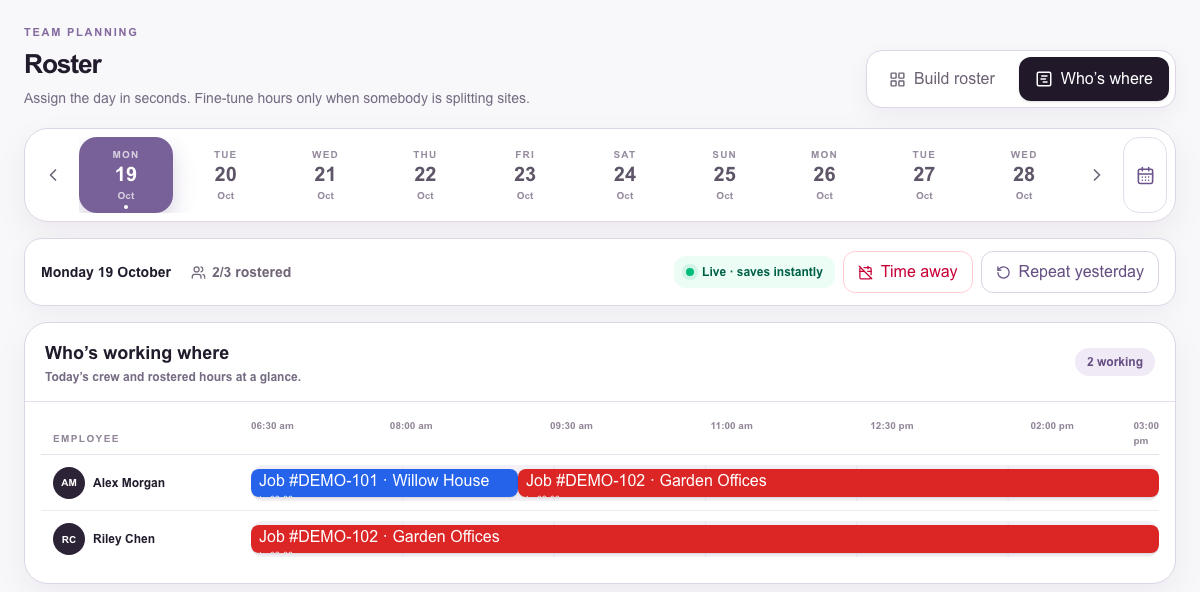
Who's where, at a glance
One timeline per day across all your sites, including people split between two jobs.
Rostering app for trade crews
One timeline for the day, split shifts and all. The office publishes who goes where, and the crew sees their site and instructions in the app, no phone tree.
One timeline per day across all your sites, including people split between two jobs.
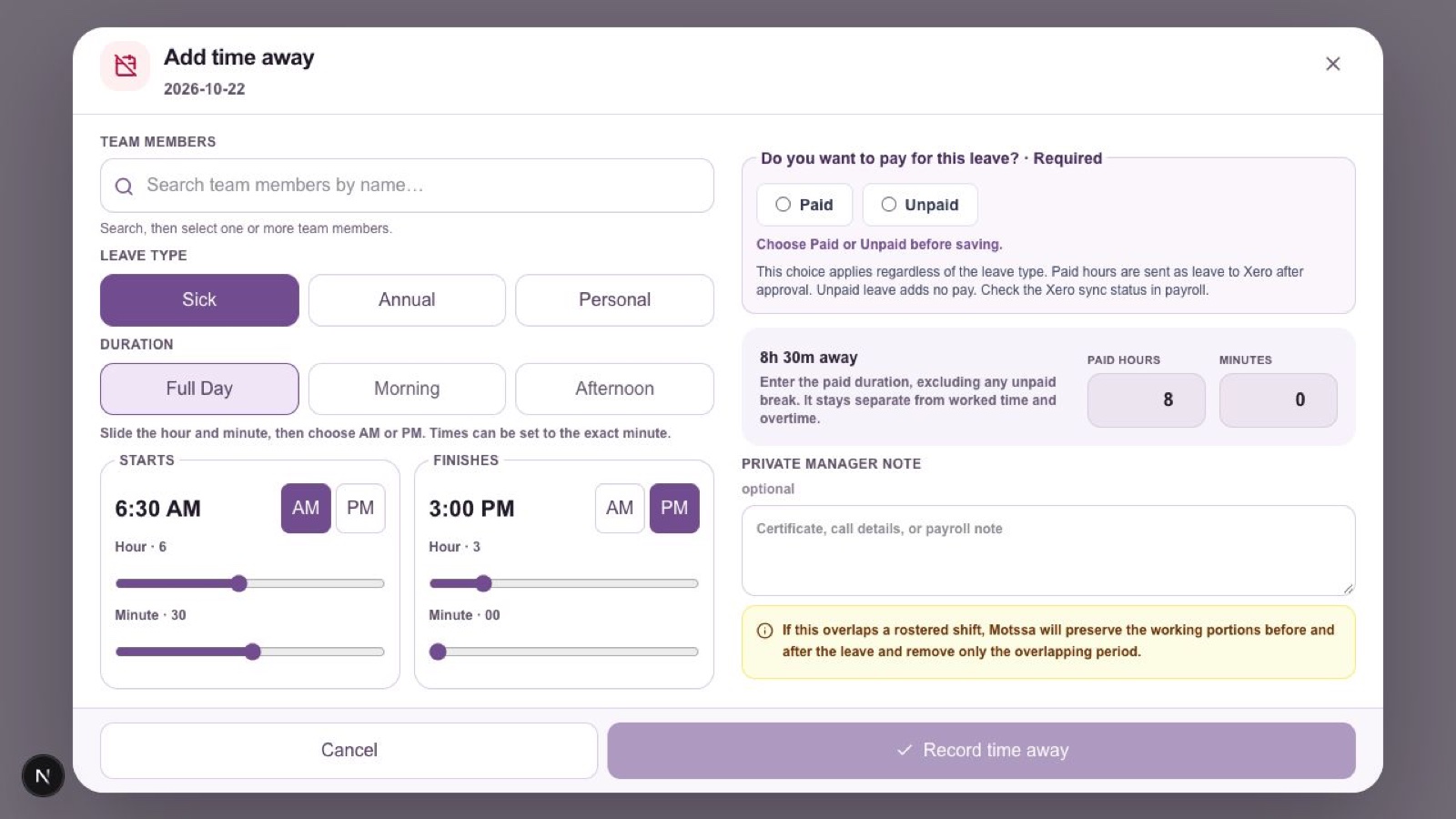
Sick, annual or personal leave with paid or unpaid chosen before saving, so the roster and payroll agree.
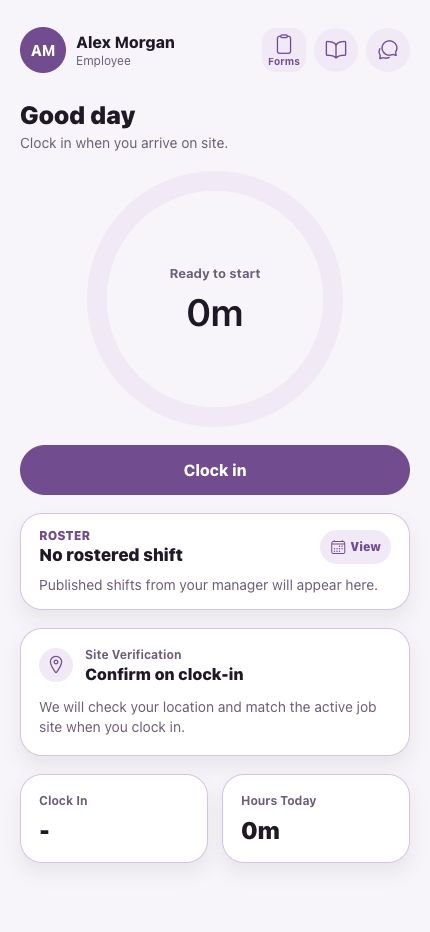
Crew open the app to see today's site and instructions, then clock in when they get there.
Yes. Split shifts sit on the same timeline, so you can see someone at one site in the morning and another in the afternoon.
Yes. Time away is recorded with its type and a paid or unpaid decision, and shows against the person's day.
Motssa AI can draft roster changes from a spoken instruction for a manager to confirm. It's in a manager pilot, and nothing moves until a manager confirms it.
Book a walkthrough and we'll map Motssa to your crews, your sites and your pay run.