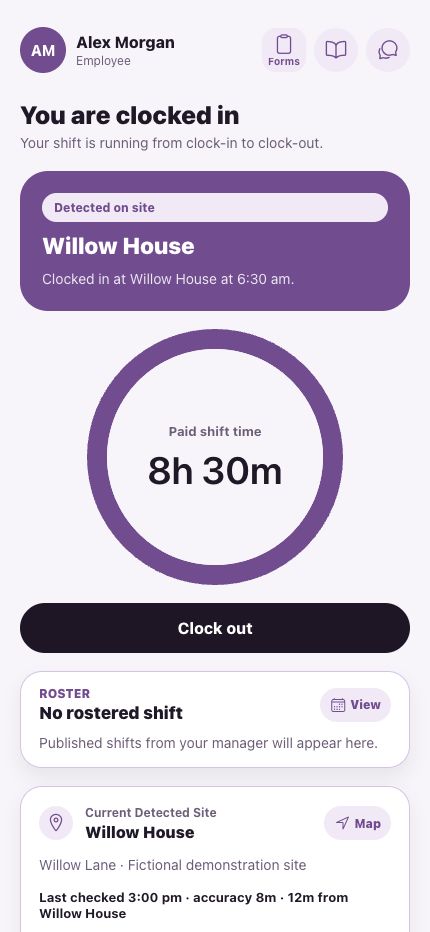
Clock
- Detected on site
- Paid shift time
Who’s on site? What did it cost? Did we make money?
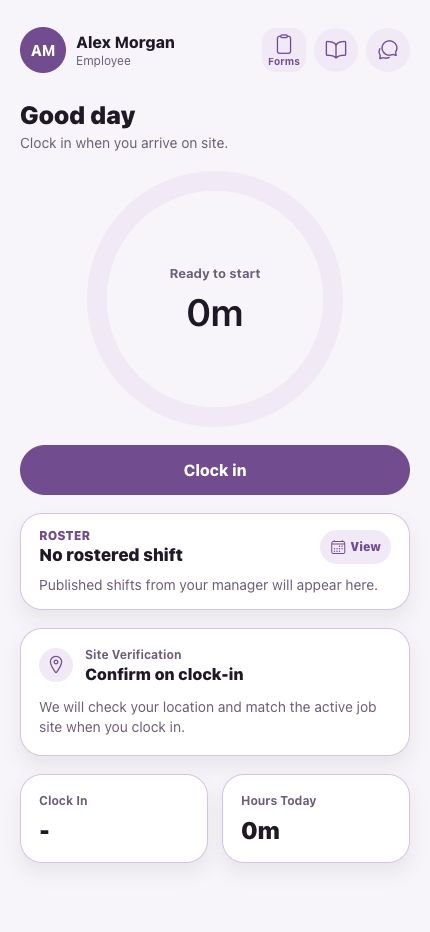
Tap Clock in on the phone
Eleven real screens from the crew app.
One phone. The whole working day.
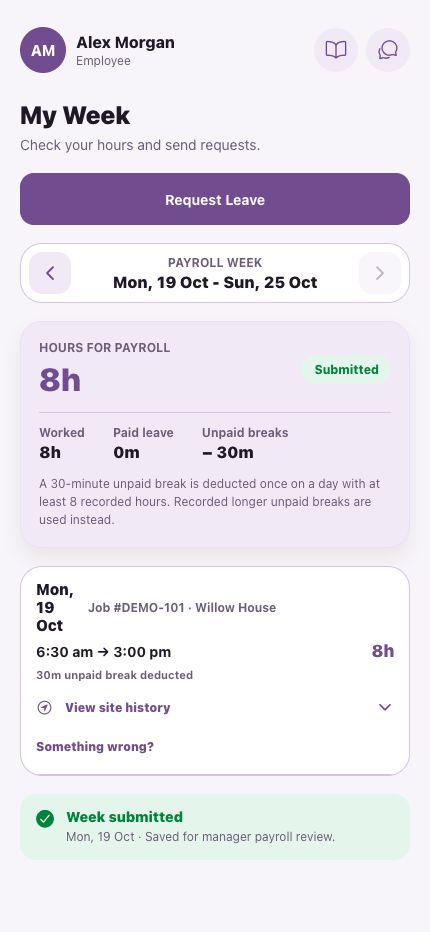
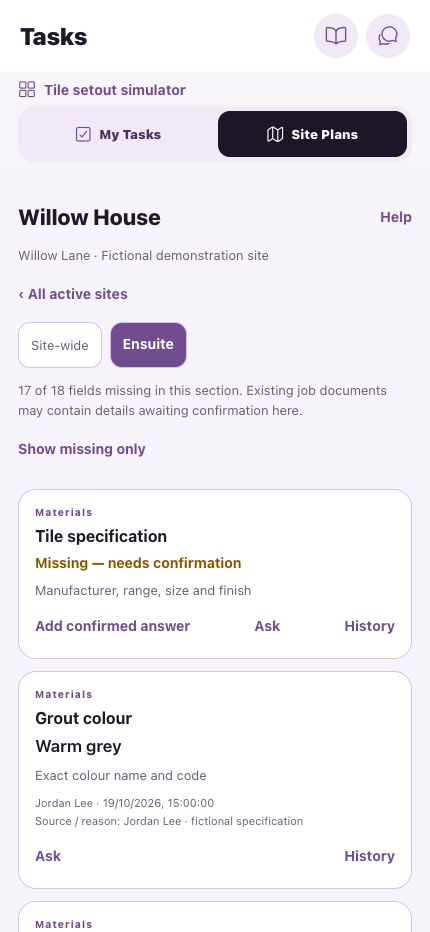
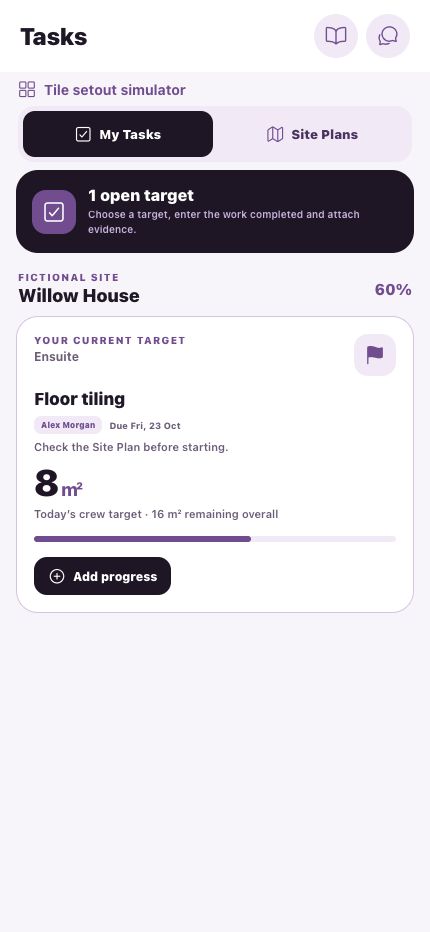
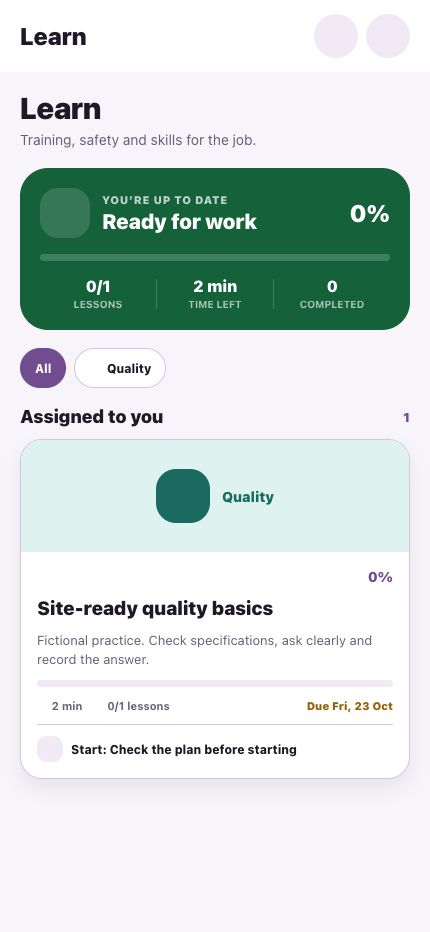
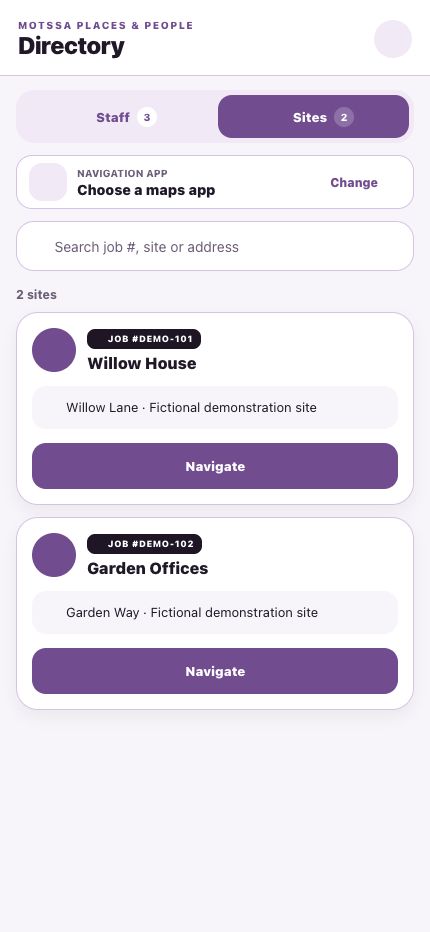
Tap any feature below to watch it, frame by frame.
No guessing who was there. No arguing about how long.
Frame by frame
Attendance & location
Ready to start.
The field, the office and the books stay in step, so everybody works from the same week.
The office, on the web
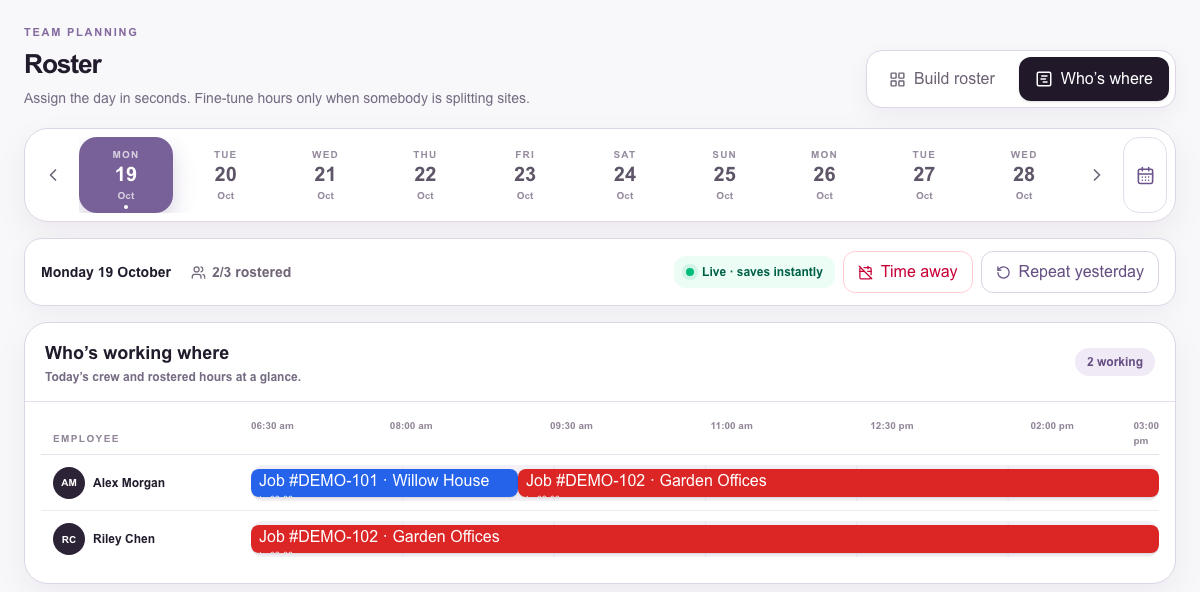
One timeline for the day, split shifts and all.
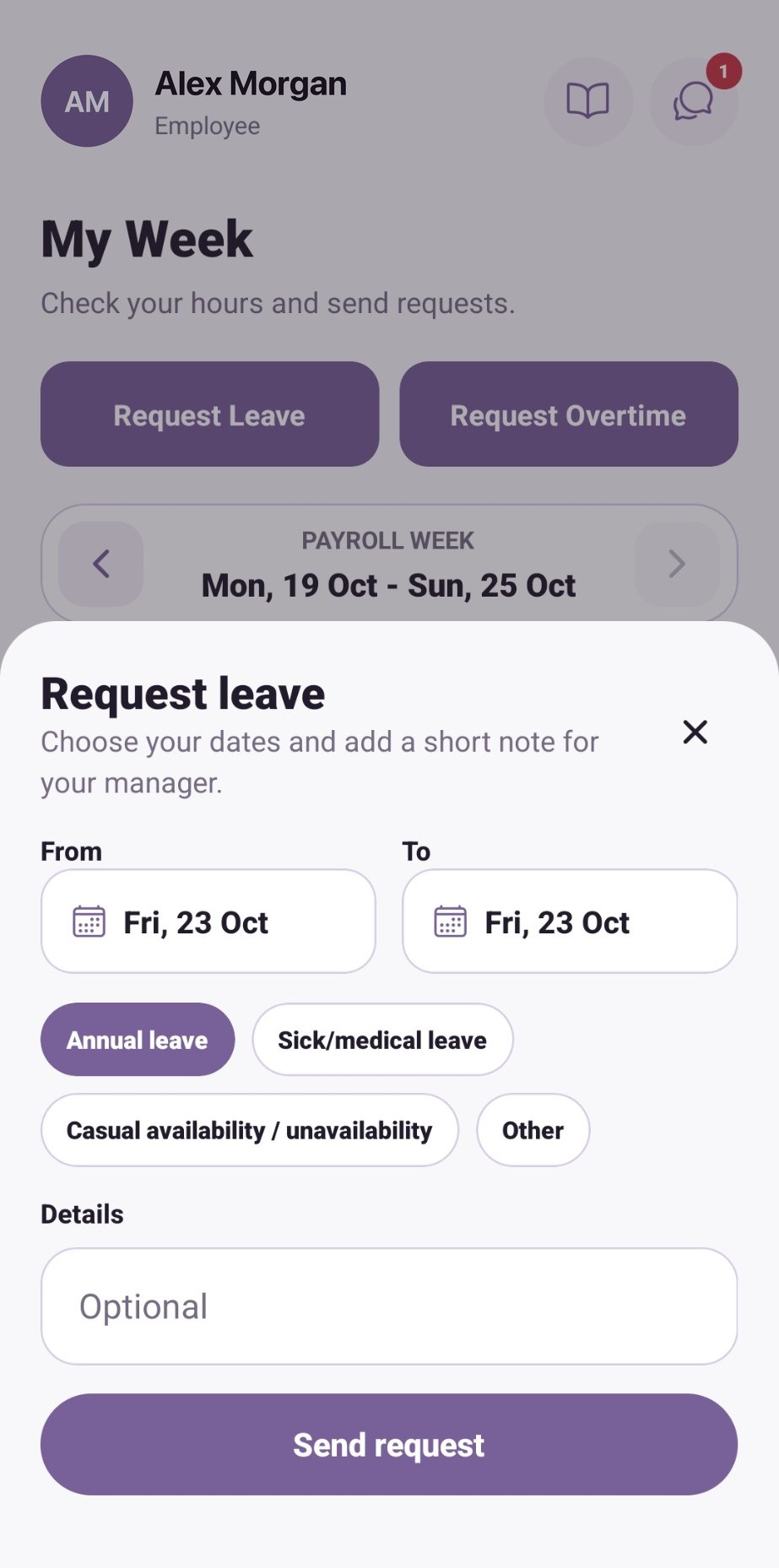
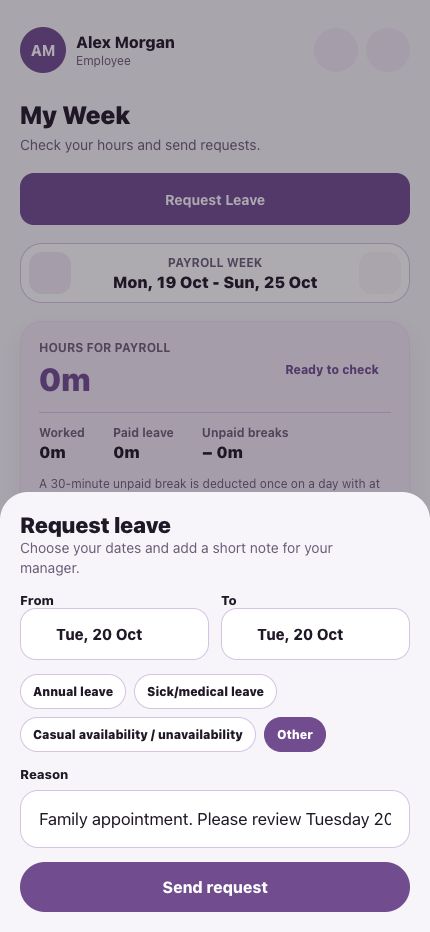
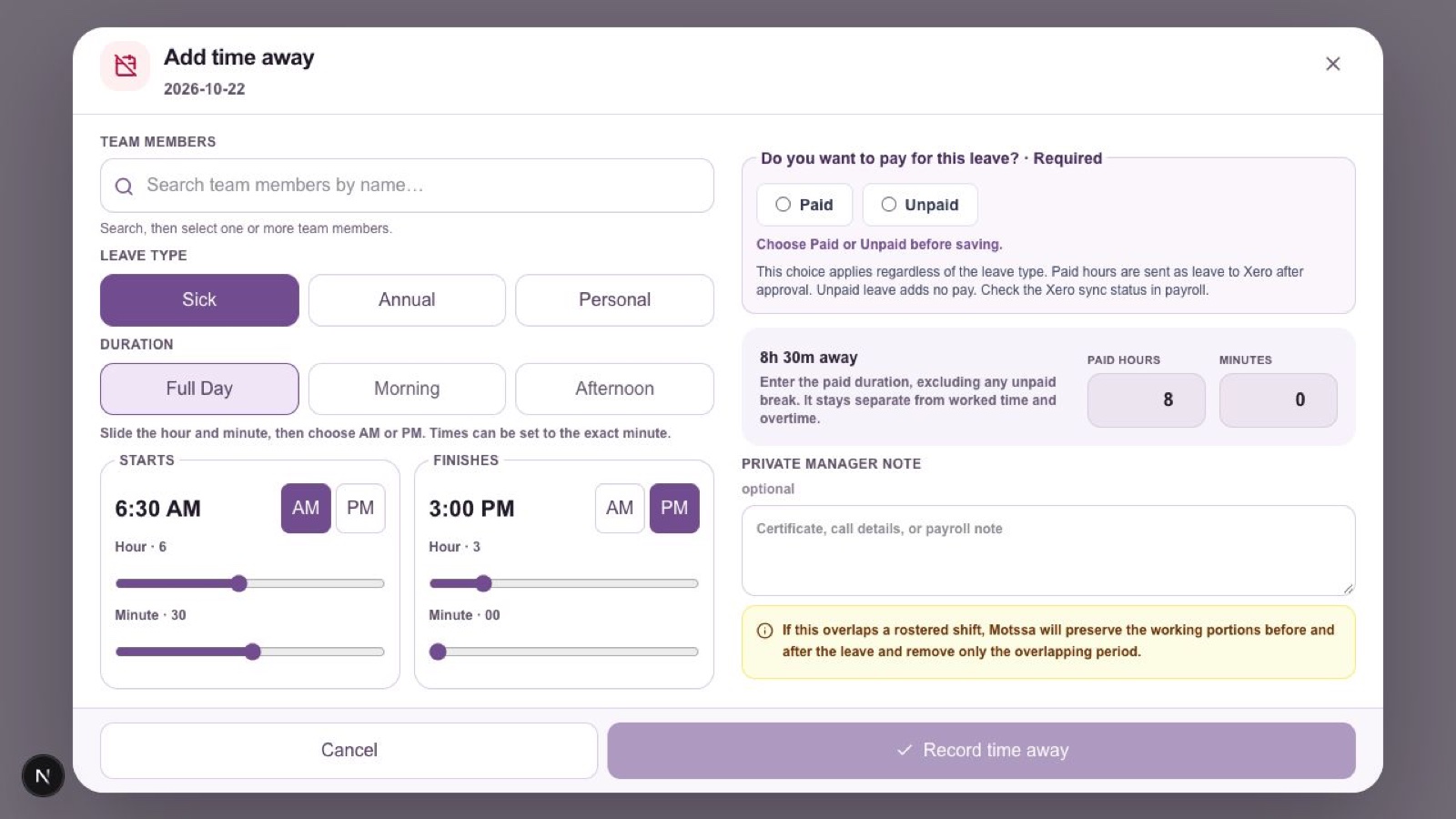
Sick, annual or personal, with paid or unpaid chosen before saving.
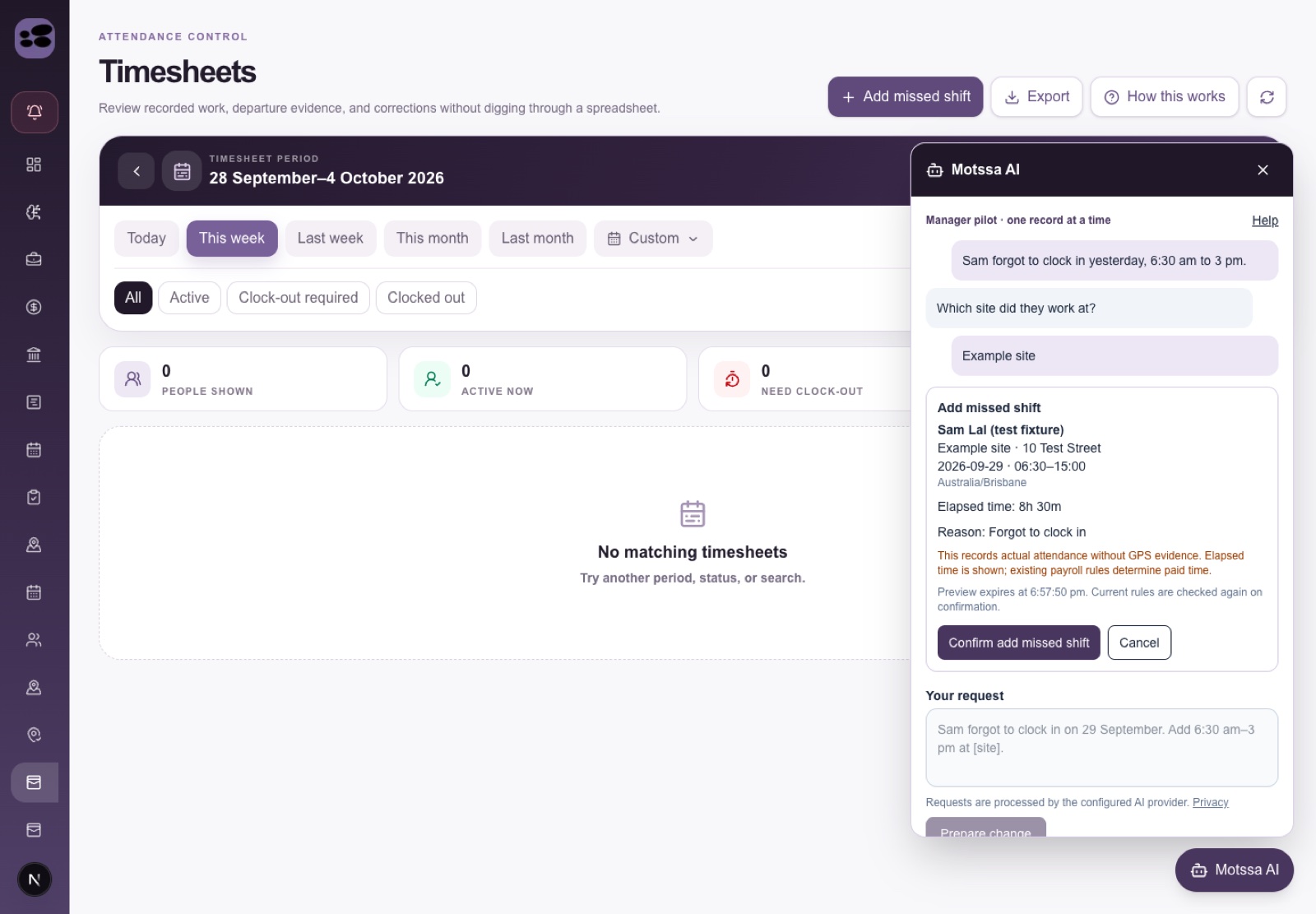
Motssa AI drafts the correction, you confirm it. Manager pilot
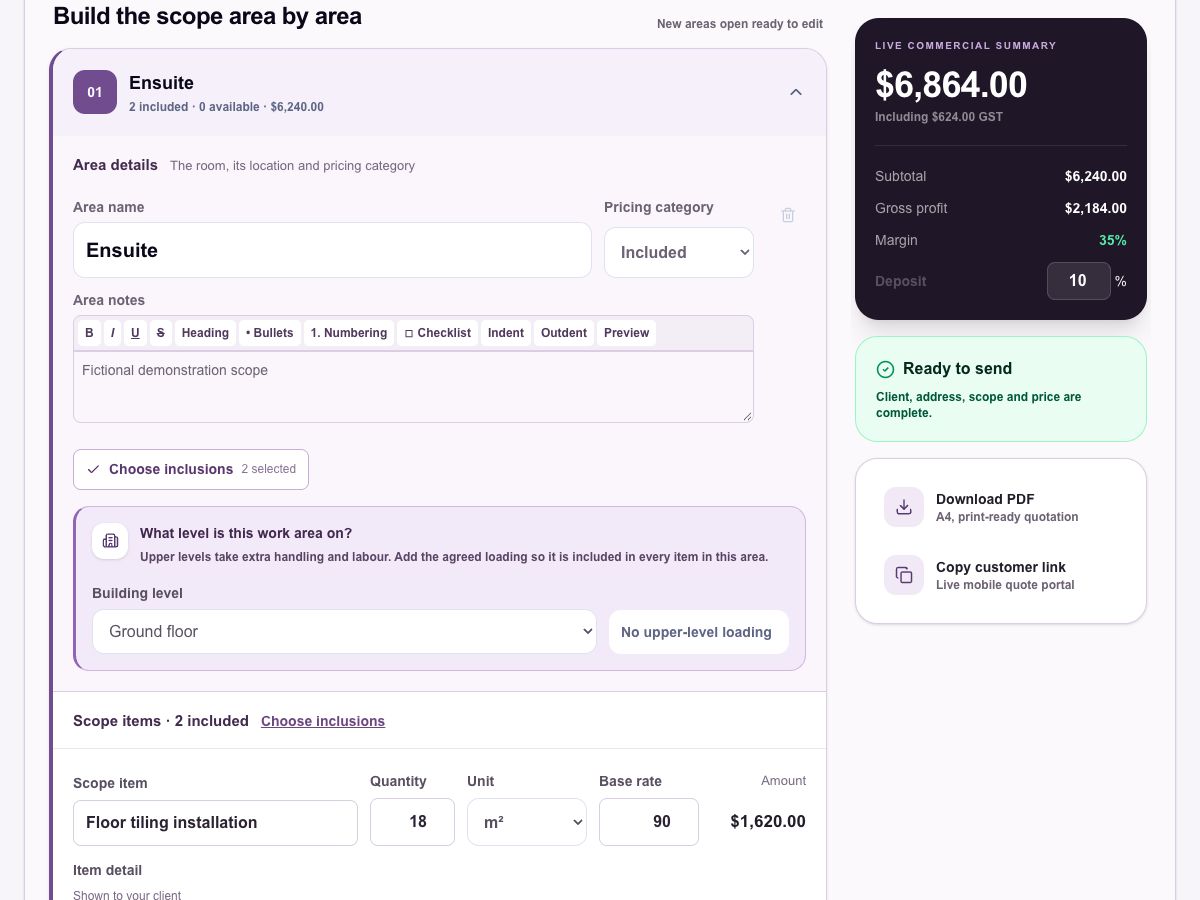
Build the scope area by area. Quantities, units and rates stay together.
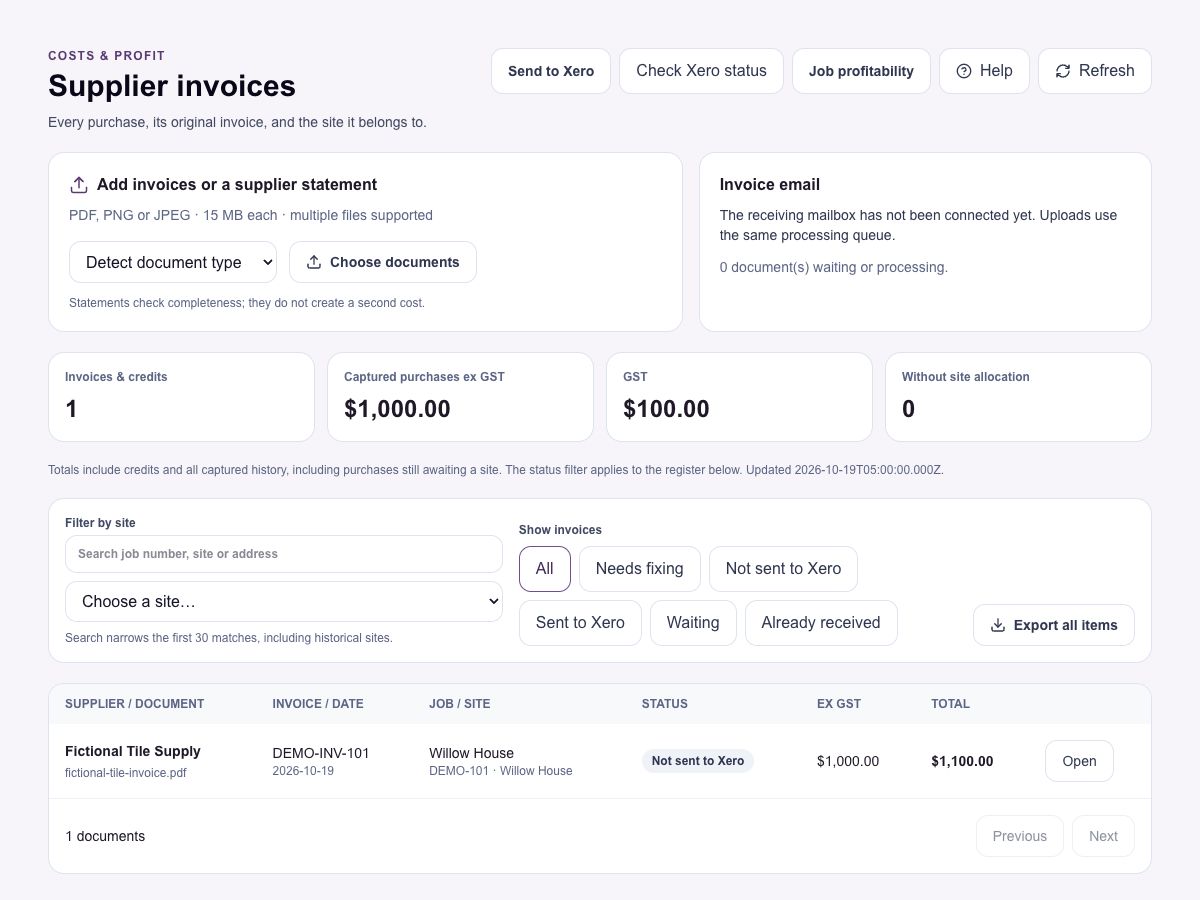
Supplier invoices allocated to the job they belong to.
Owner Intelligence keeps known, inferred and unknown apart.
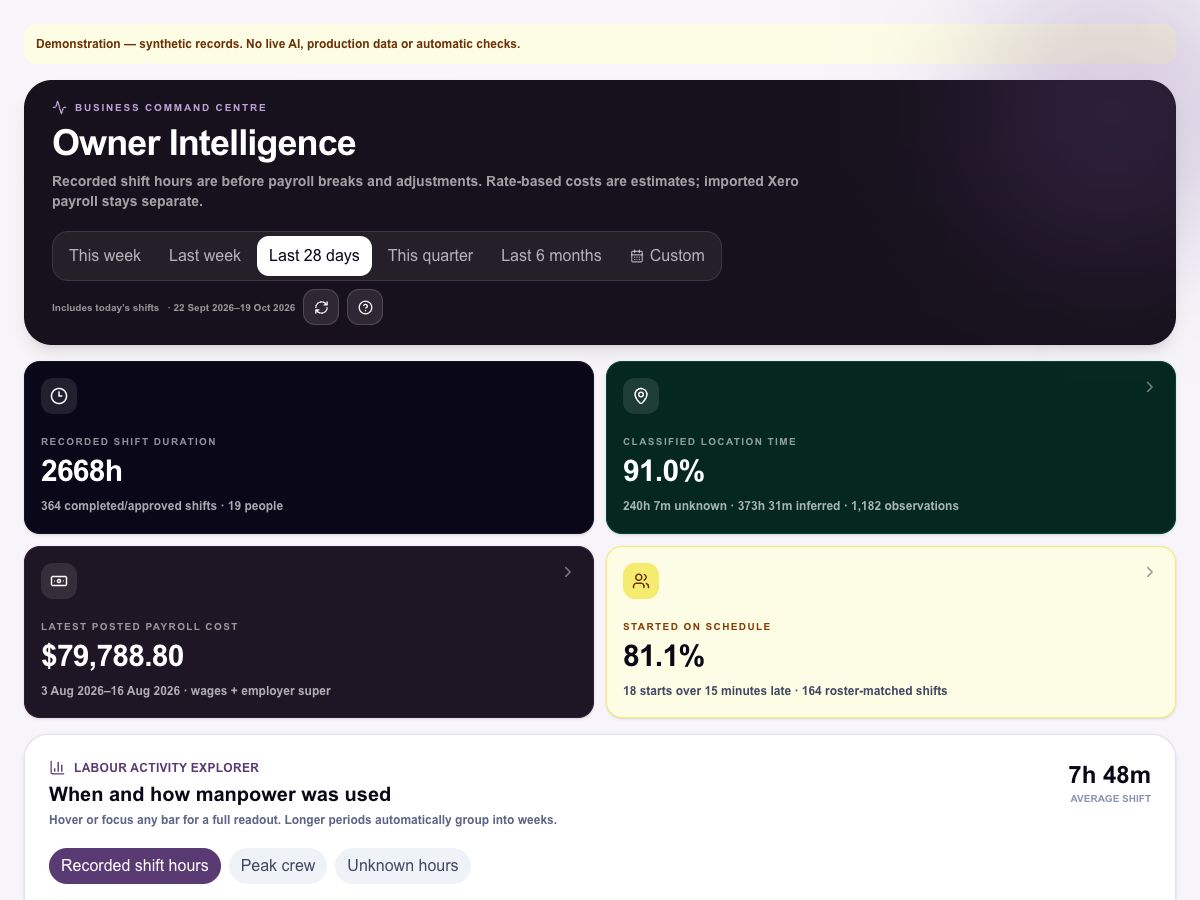
Owner Intelligence
Motssa calculates the numbers from your actual records first. AI only explains them, never invents a figure. And when the evidence isn't there yet, it says so, then tells you what to fix.
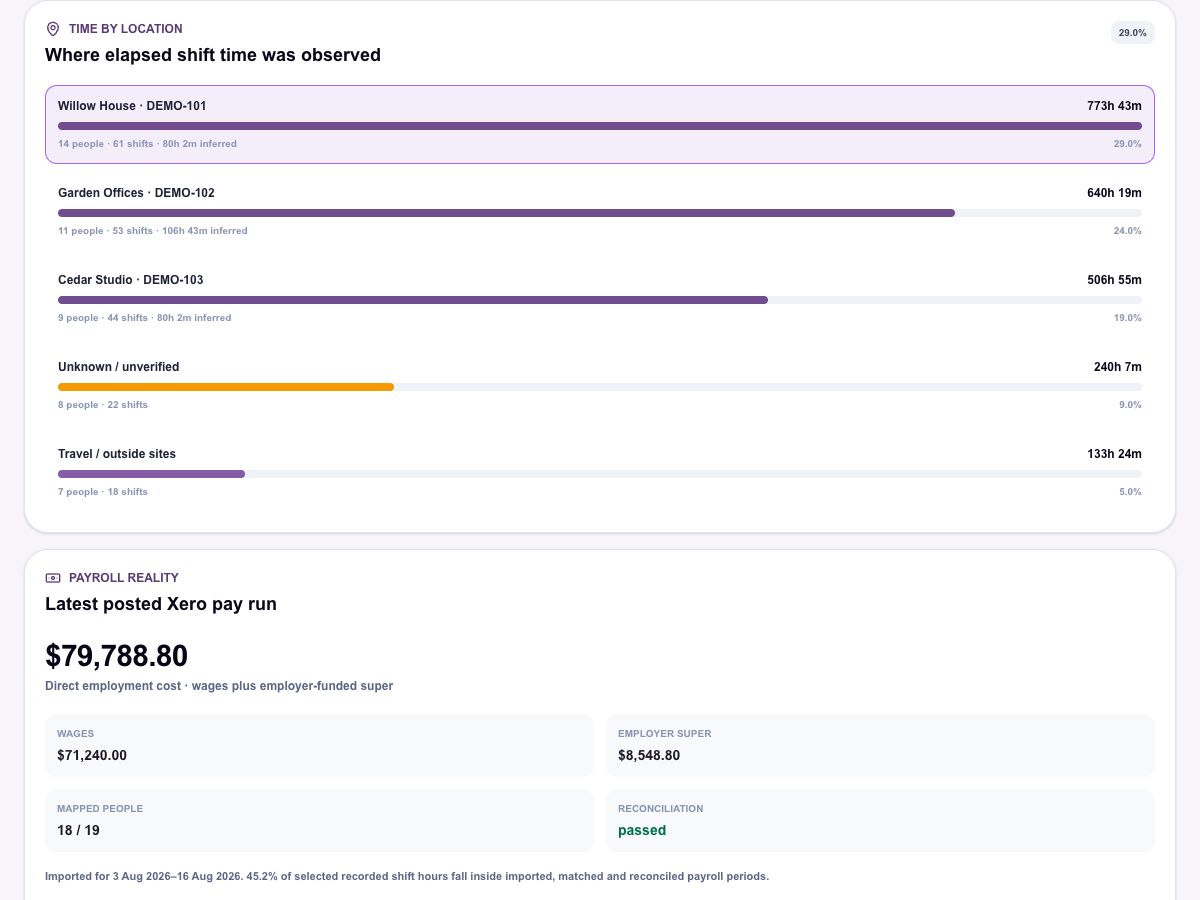
773h 43m across 14 people and 61 shifts. Unknown and travel time are reported separately, not folded in.
Figures shown are from Motssa's demonstration records, not a real business.
Built for the whole crew: one app on site, one workspace in the office, one set of numbers for the owner.
Clock in and out, today's site and instructions, My Week, leave requests, forms and messages. Nothing they don't need.
Rosters, shifts, approvals, leave, sites, supplier invoices and the exceptions that need a decision, all in one place.
Labour by site, start-time discipline, pay-run cost and job costs, with every number labelled for how much you can trust it.
The group chat, the whiteboard, the spreadsheet, the shoebox of receipts. Motssa replaces the glue.
Requests, approvals and a clear paid or unpaid decision, visible on the roster.
Payroll policy configuration for selected workspaces. Availability is reviewed during setup.
Workers fix a missed finish; managers approve. Everything stays on the record.
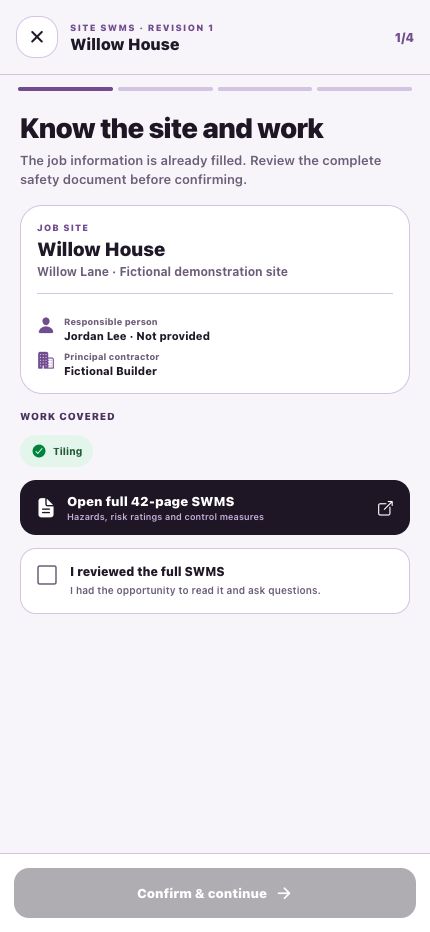
Assigned safety documents, site forms and training, completed on the phone.
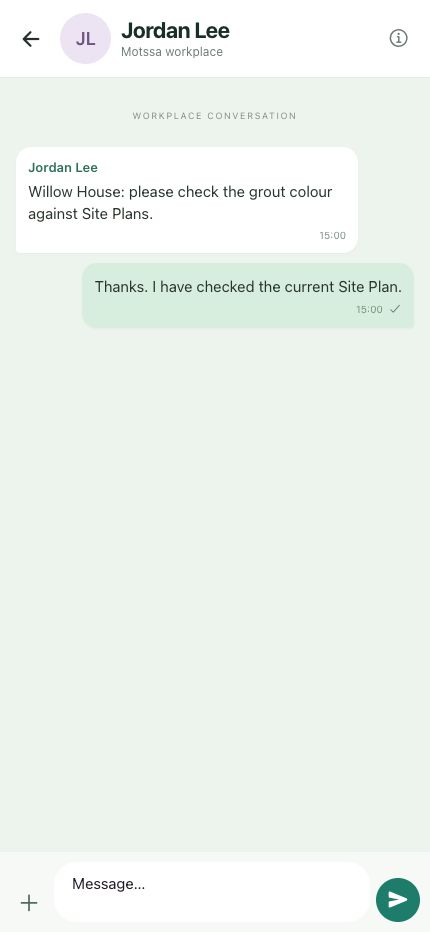
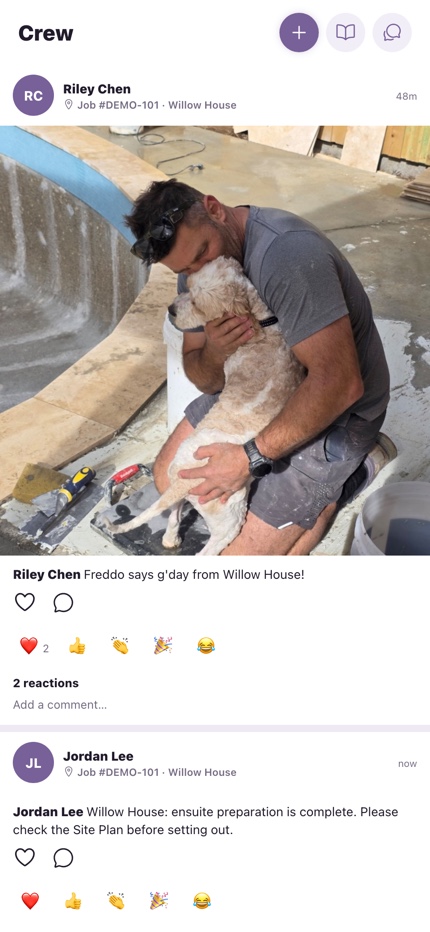
Work conversations next to the work, plus a crew feed for site updates.
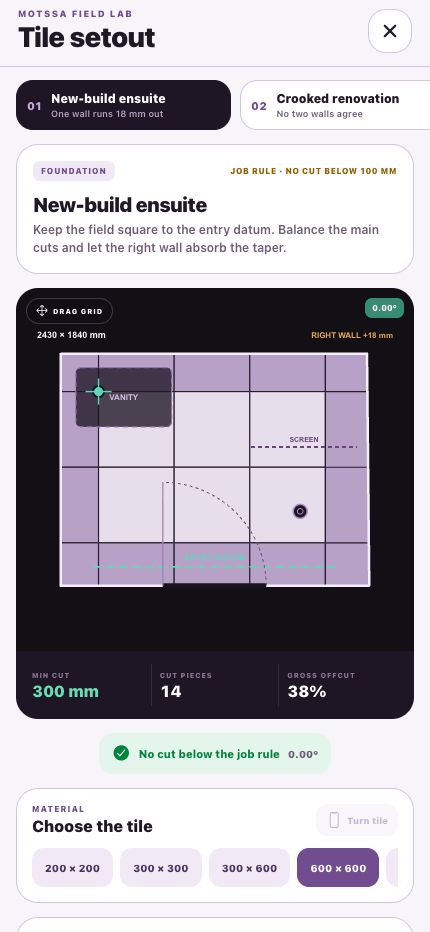
Quotes, pipeline and project workspaces with site plans.
Keep ServiceM8 job numbers. Motssa matches jobs by the actual site address.
Profiles, capabilities and contact details for everyone on the crew.
Feed them better data. Motssa doesn't ask you to rip anything out. It sits between the work on site and the systems you already run the books with.
Built like your pay run depends on it. Because it does.
Location is checked at clock-in, clock-out and periodically while someone is on shift. It stops when they clock off.
Roster moves, invoice-to-job matches and payroll exports wait for a manager. Motssa suggests; you decide.
Shifts, timesheets, GPS evidence and audit history are kept, not trimmed to make a report look clean.
If a figure can't be backed by your records, Motssa labels it, or holds it back until it can.
The crew app does a few things well: clock in and out, see the roster and today's instructions, check their week, request leave and message the office. It runs on iPhone and Android.
No. Location is captured at clock-in and clock-out, and checked periodically while someone is clocked in. Checks stop when they clock out. It's there to back up the timesheet, not to follow people around.
Good, keep them. Motssa prepares payroll drafts and supplier draft bills for Xero, imports posted pay-run costs, and treats ServiceM8 job numbers as the source of truth when matching jobs.
Only when the evidence is complete. Margin needs verified cost rates, hours allocated to jobs and confirmed supplier costs. Until then Motssa shows you exactly what's missing rather than guessing.
Book a walkthrough. We'll look at how your crews, sites and pay runs work today and shape a Motssa workspace around them.
Yes. The crew app runs on both, and managers can also use Motssa in the browser.
Trade and construction businesses with crews moving between job sites. Employees use the app; managers and the office use the web.
Site verification checks your location when you clock in and matches it to the job. That evidence stays with the shift.
They stay. Profiles, shifts, timesheets, leave and history are treated as permanent records.
The office publishes who goes where.
The crew clocks in on arrival, with site verification.
Missing finishes and corrections come back to My Week.
Leave and paid or unpaid decisions stay on the record.
Hours go to payroll export and Xero, by site and job.
Book a walkthrough and we'll map Motssa to your crews, your sites and your pay run, then show you what your numbers look like when they're joined up.